1
Install the app
Download the ServerConnect Pro app for Windows or macOS from our downloads page.
Portable mobile KVM
From the comfort of your laptop
Connect to every headless server from your laptop with a single cable kit: display, USB, and power without installing anything on the target machine.
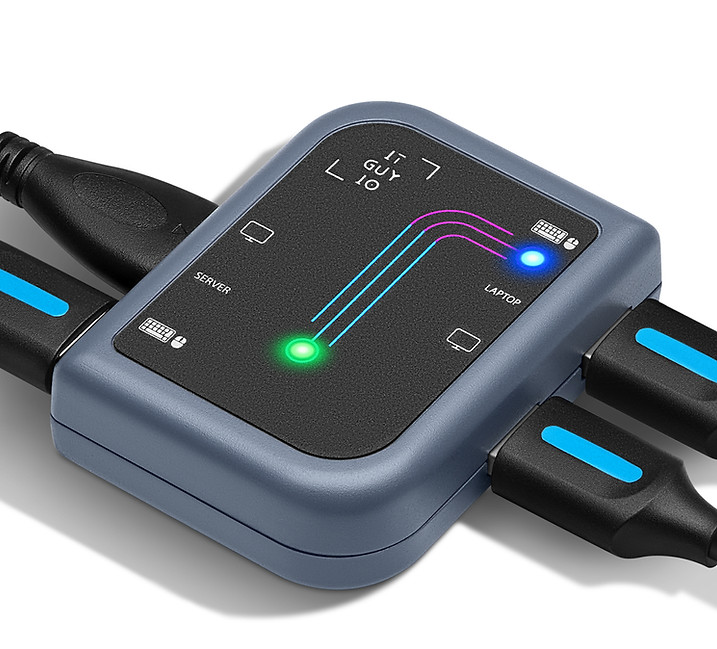
When you need a keyboard, video, and mouse at the rack or in the closet, ServerConnect Pro turns your laptop into the console. No network dependency on the server side, no agents to install-just USB and video to the box you are fixing.
Three steps from cables in hand to a live console on your laptop.
Download the ServerConnect Pro app for Windows or macOS from our downloads page.
Connect the "server side" USB and display cable to the machine you need to control.
Connect the "laptop side" USB to your computer, open the app, and use your laptop as the KVM.
Hardware and software tuned for restricted, air-gapped, and lights-out environments.
Does not require connectivity to the internet; control restricted and headless servers on isolated networks.
No software to install on the target server-just physical USB and video connections.
Fast, low-friction access at firmware and pre-boot screens for diagnosis and recovery.
One device with HDMI and VGA support and native clients for Windows and macOS.
Powered from the laptop USB connection-no separate AC adapter for the KVM path.
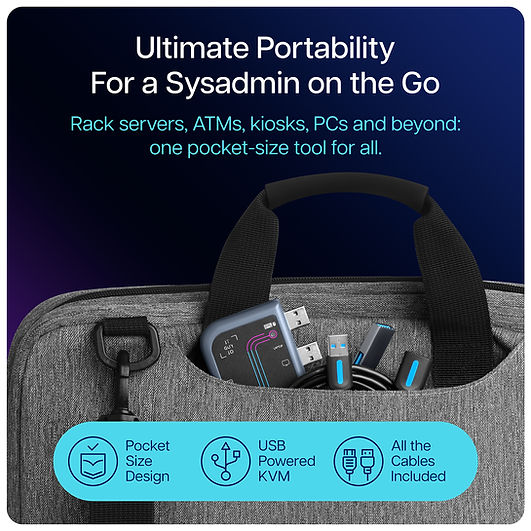
Small enough for a go-bag; cables included so you are ready on site.